Original: $169.99
-70%$169.99
$51.00The Story
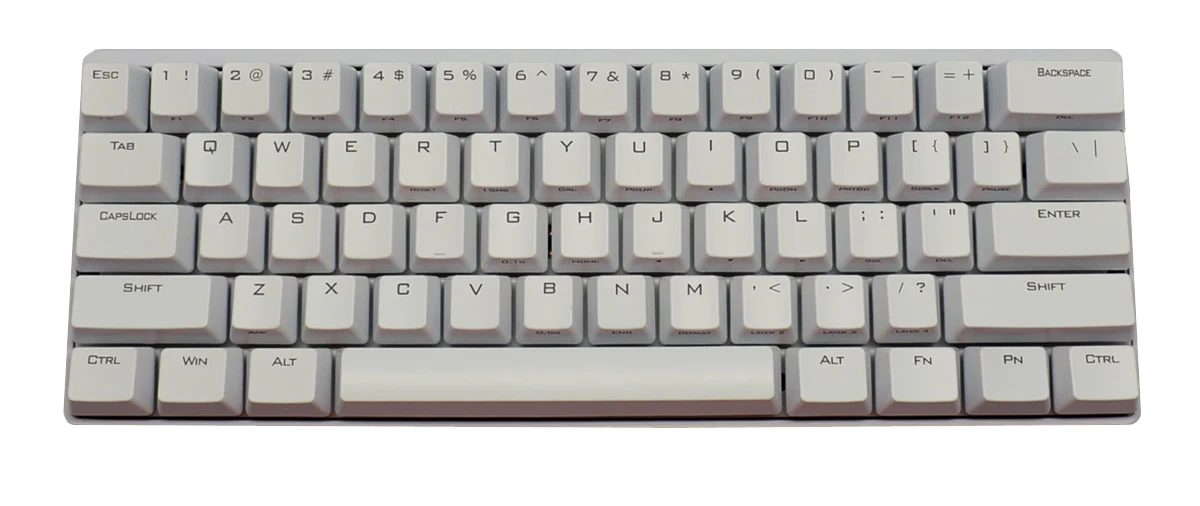
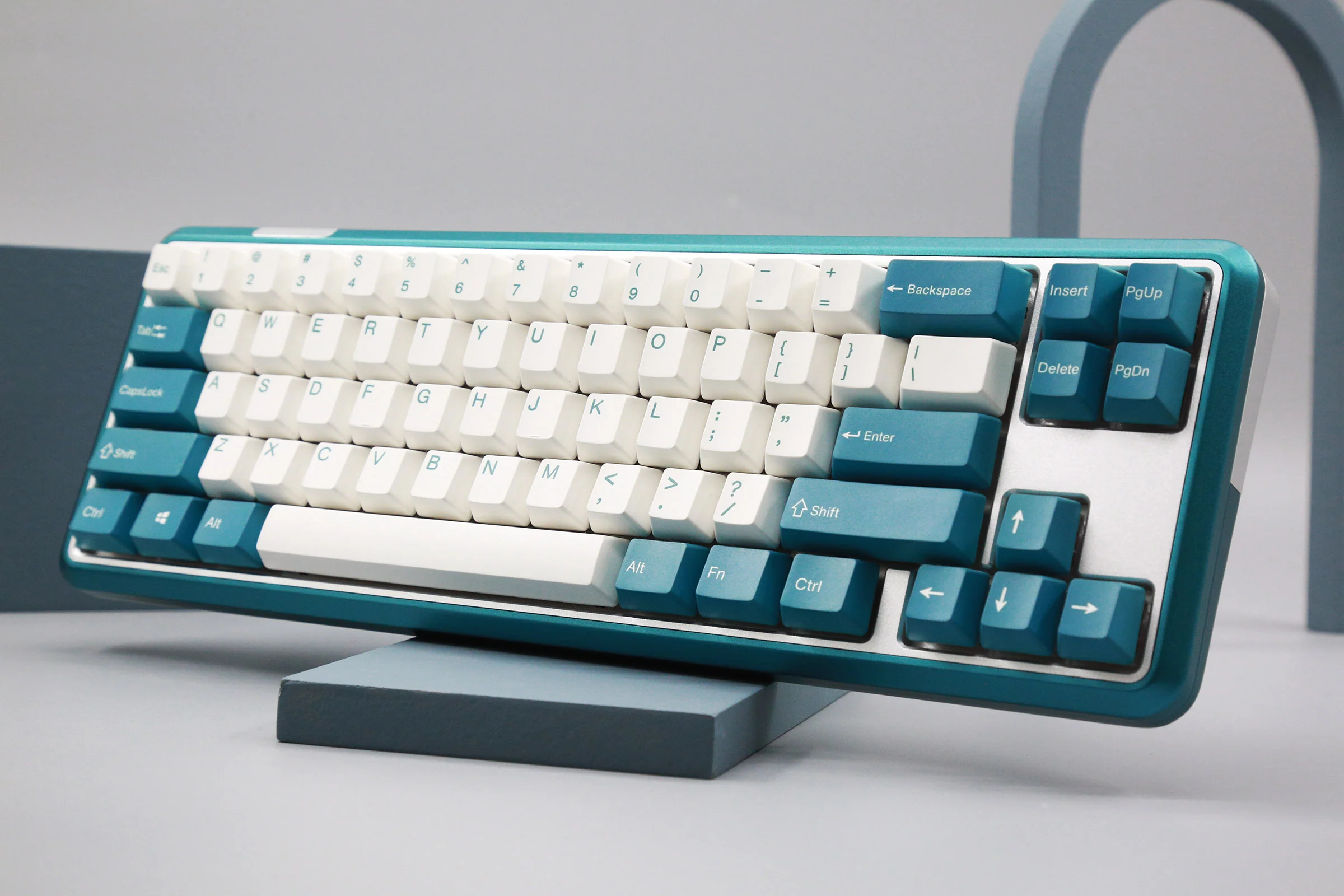
- CNC machined 6063 aluminum case with gasket mount design
- Connect 3 ways- wired with USB-C cable or wirelessly with Bluetooth 5.2 and 2.4 GHz
- Connect up to 3 devices wirelessly
- Easy-reach switch to toggle between Windows and macOS with your personalized layout for each
- Screwless ball-catch design for a fast and toolless disassembly
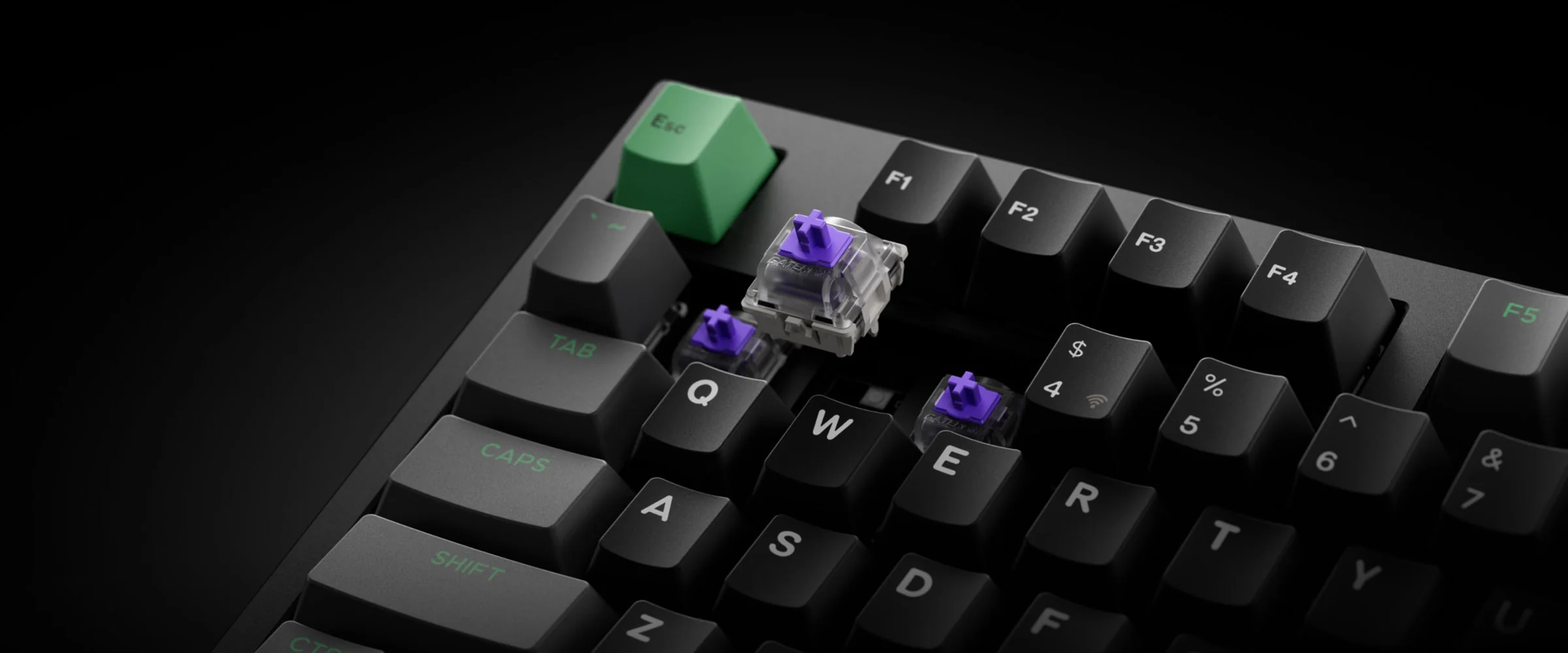
- Hotswap PCB compatible with Gateron double-rail magnetic switches only
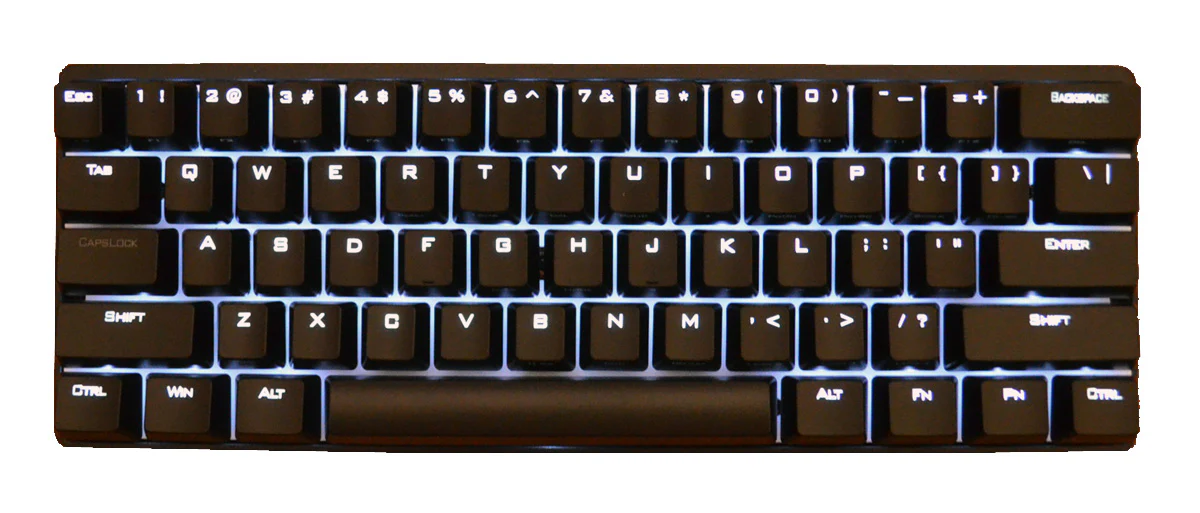
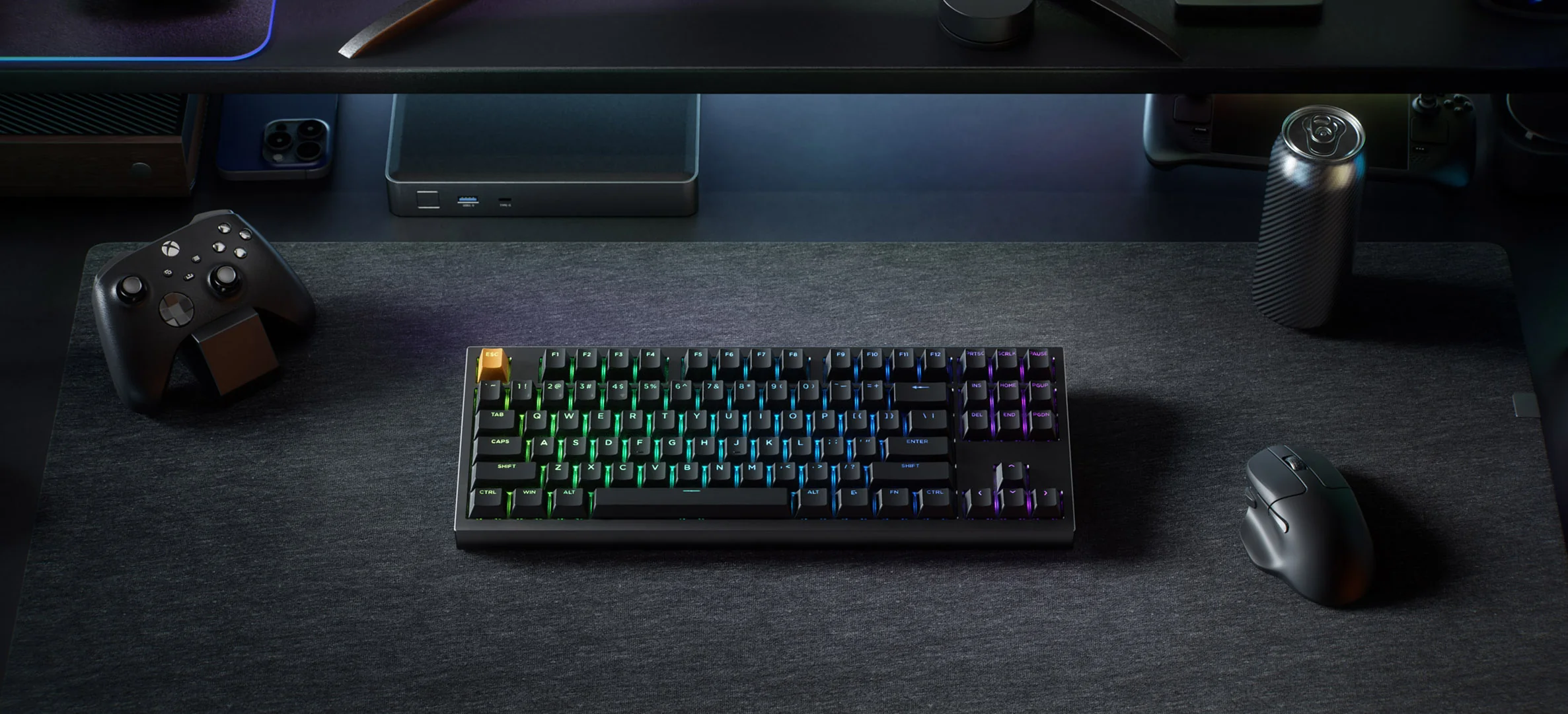
- North-facing LEDs with over 22 RGB backlighting settings including a static white, per-key RGB control, and RGB mix
- 4000 mAh rechargeable battery
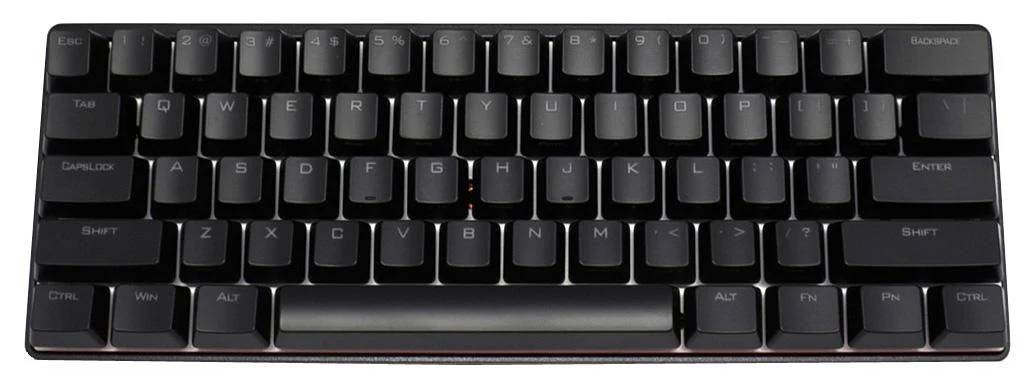
- Cherry profile Double Shot PBT keycaps with both Windows and Mac keycaps
- Programmable with Keychron Launcher
- Screw-in PCB mount stabilizers
- Mirror-polished strip on underside
- 22mm front height with 6° typing angle
- All US import tariffs are prepaid by MK and already included in the price. For more info, please see our FAQ.
Adjustable Actuation Point: Customize each key with precision, adjusting actuation points from 0.2 to 3.8 mm with 0.1 mm sensitivity. Set shallow keypresses for instant actions and deeper ones for deliberate engagement, minimizing accidental touches and giving you an edge in both gaming and typing.
Dynamic Rapid Trigger: Activate or deactivate keys based on how far they travel, not predefined points. This means immediate key reactions—press to activate, release to reset—allowing for faster, more precise keystrokes. In rapid gameplay, this translates to executing complex actions in real-time without delay, giving you a serious advantage during fast-paced sequences.
Dynamic Keystrokes: Thanks to Dynamic Keystrokes (DKS), you can now assign up to 4 distinct actions per key based on press depth. A light press moves your character, a deeper press makes them run, and releasing the key enables additional commands. This layered control lets you execute multiple moves with ease, streamlining gameplay while enhancing control and speed, making your reactions quicker and more precise.
Analog Mode: Analog Mode Experience the power of Analog Mode, bringing game controller-like precision to your keyboard. This mode enables variable inputs instead of the usual on/off signals, letting you achieve more fluid and dynamic control. With each keypress, the keyboard detects how far you press, translating it into different speeds and intensities. Enjoy nuanced control and heightened responsiveness in racing games, sports simulations, and more.
Last Key Priority (LKP) and Snap Click: Prioritizes the last key pressed, allowing for seamless directional changes and ensuring smoother gameplay . With Snap Click, deeper keypresses take precedence when two keys are hit at once, automatically resetting shallower presses.
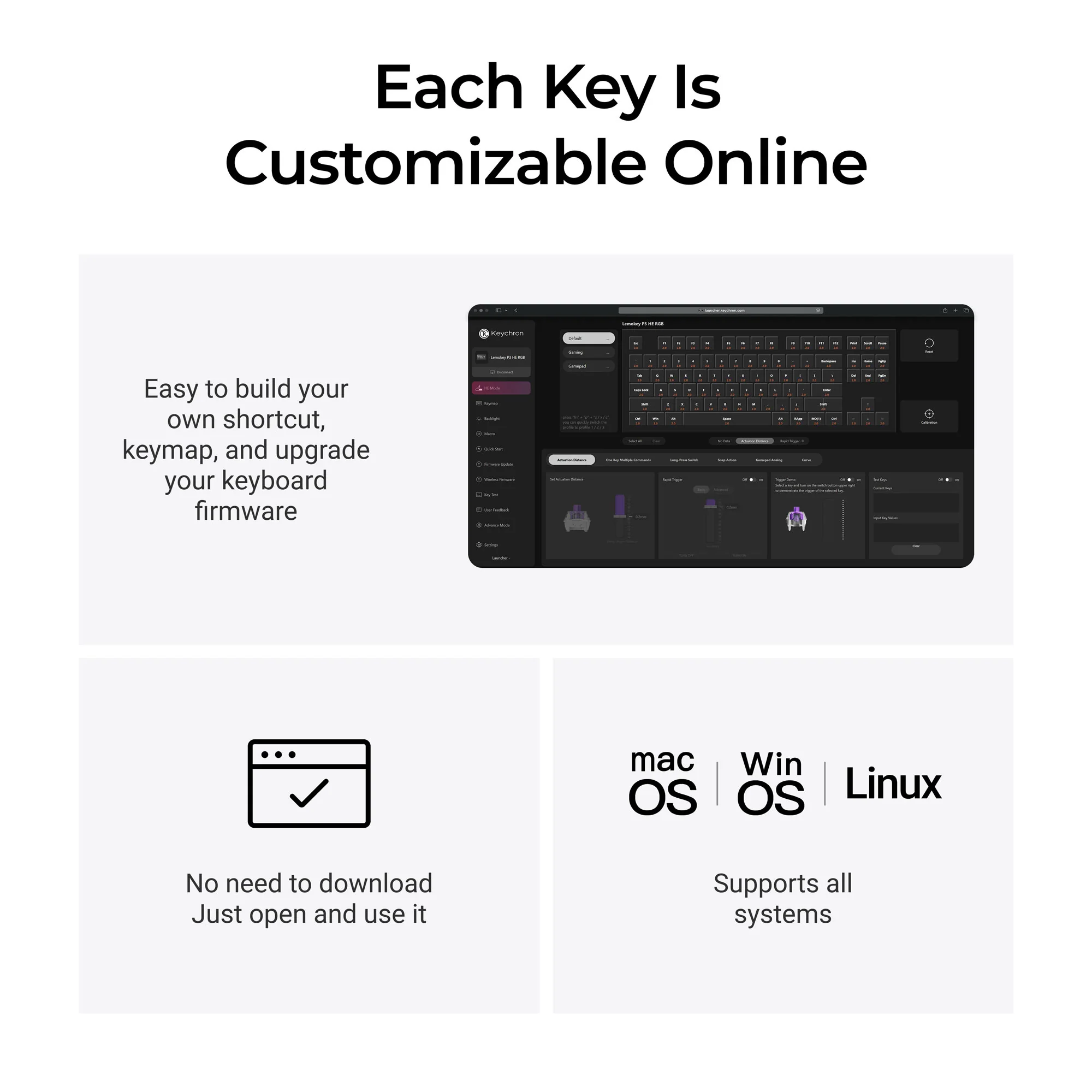
Program with Launcher: With the Keychron Launcher web app, you can effortlessly remap keys, adjust actuation points, set the magnetic switches, create personalized macro commands, shortcuts, and key combinations for each key.

Details & Craftsmanship
Every detail has been carefully considered to bring you the perfect product.

Details & Craftsmanship
Every detail has been carefully considered to bring you the perfect product.
Details & Craftsmanship
Every detail has been carefully considered to bring you the perfect product.

Details & Craftsmanship
Every detail has been carefully considered to bring you the perfect product.

Details & Craftsmanship
Every detail has been carefully considered to bring you the perfect product.

Details & Craftsmanship
Every detail has been carefully considered to bring you the perfect product.

Details & Craftsmanship
Every detail has been carefully considered to bring you the perfect product.

Details & Craftsmanship
Every detail has been carefully considered to bring you the perfect product.

Details & Craftsmanship
Every detail has been carefully considered to bring you the perfect product.

Details & Craftsmanship
Every detail has been carefully considered to bring you the perfect product.
Details & Craftsmanship
Every detail has been carefully considered to bring you the perfect product.

Details & Craftsmanship
Every detail has been carefully considered to bring you the perfect product.

Details & Craftsmanship
Every detail has been carefully considered to bring you the perfect product.

Details & Craftsmanship
Every detail has been carefully considered to bring you the perfect product.

Details & Craftsmanship
Every detail has been carefully considered to bring you the perfect product.

Details & Craftsmanship
Every detail has been carefully considered to bring you the perfect product.

Details & Craftsmanship
Every detail has been carefully considered to bring you the perfect product.

Details & Craftsmanship
Every detail has been carefully considered to bring you the perfect product.
Details & Craftsmanship
Every detail has been carefully considered to bring you the perfect product.

Details & Craftsmanship
Every detail has been carefully considered to bring you the perfect product.

Details & Craftsmanship
Every detail has been carefully considered to bring you the perfect product.

Details & Craftsmanship
Every detail has been carefully considered to bring you the perfect product.
Description
- CNC machined 6063 aluminum case with gasket mount design
- Connect 3 ways- wired with USB-C cable or wirelessly with Bluetooth 5.2 and 2.4 GHz
- Connect up to 3 devices wirelessly
- Easy-reach switch to toggle between Windows and macOS with your personalized layout for each
- Screwless ball-catch design for a fast and toolless disassembly
- Hotswap PCB compatible with Gateron double-rail magnetic switches only
- North-facing LEDs with over 22 RGB backlighting settings including a static white, per-key RGB control, and RGB mix
- 4000 mAh rechargeable battery
- Cherry profile Double Shot PBT keycaps with both Windows and Mac keycaps
- Programmable with Keychron Launcher
- Screw-in PCB mount stabilizers
- Mirror-polished strip on underside
- 22mm front height with 6° typing angle
- All US import tariffs are prepaid by MK and already included in the price. For more info, please see our FAQ.
Adjustable Actuation Point: Customize each key with precision, adjusting actuation points from 0.2 to 3.8 mm with 0.1 mm sensitivity. Set shallow keypresses for instant actions and deeper ones for deliberate engagement, minimizing accidental touches and giving you an edge in both gaming and typing.
Dynamic Rapid Trigger: Activate or deactivate keys based on how far they travel, not predefined points. This means immediate key reactions—press to activate, release to reset—allowing for faster, more precise keystrokes. In rapid gameplay, this translates to executing complex actions in real-time without delay, giving you a serious advantage during fast-paced sequences.
Dynamic Keystrokes: Thanks to Dynamic Keystrokes (DKS), you can now assign up to 4 distinct actions per key based on press depth. A light press moves your character, a deeper press makes them run, and releasing the key enables additional commands. This layered control lets you execute multiple moves with ease, streamlining gameplay while enhancing control and speed, making your reactions quicker and more precise.
Analog Mode: Analog Mode Experience the power of Analog Mode, bringing game controller-like precision to your keyboard. This mode enables variable inputs instead of the usual on/off signals, letting you achieve more fluid and dynamic control. With each keypress, the keyboard detects how far you press, translating it into different speeds and intensities. Enjoy nuanced control and heightened responsiveness in racing games, sports simulations, and more.
Last Key Priority (LKP) and Snap Click: Prioritizes the last key pressed, allowing for seamless directional changes and ensuring smoother gameplay . With Snap Click, deeper keypresses take precedence when two keys are hit at once, automatically resetting shallower presses.
Program with Launcher: With the Keychron Launcher web app, you can effortlessly remap keys, adjust actuation points, set the magnetic switches, create personalized macro commands, shortcuts, and key combinations for each key.